Meat traceability modulecut.html · label designer
Finished products are written once
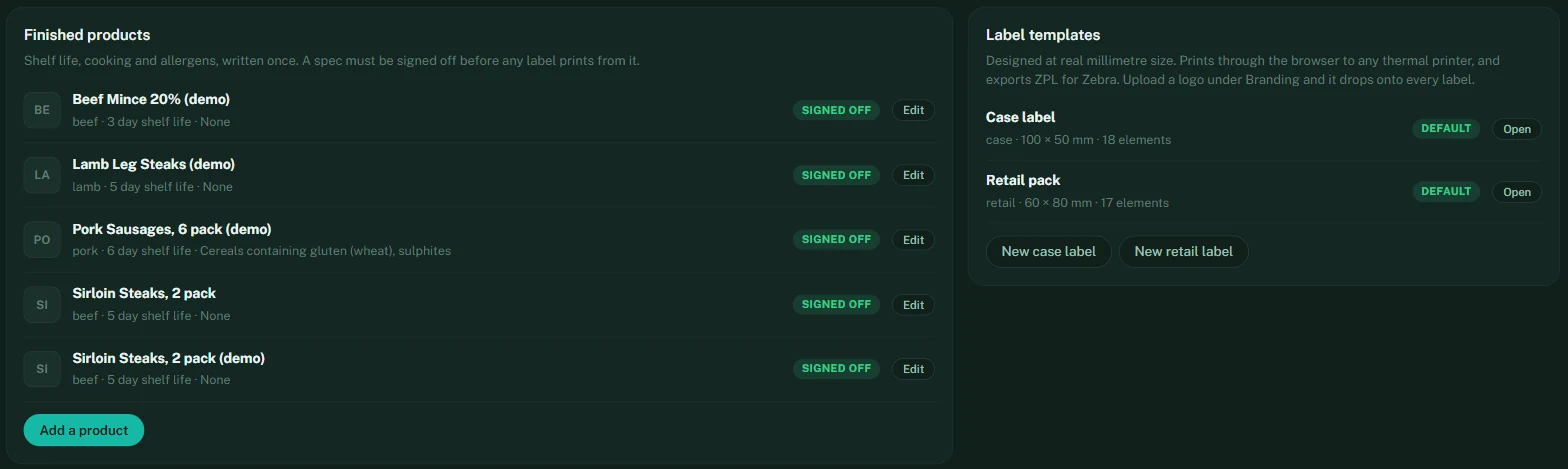
Under Traceability, the office keeps a spec for every finished product: species, shelf life, storage, cooking instructions, allergens, and a photo for the bench tiles. A spec must be signed off before a single label prints from it — so whoever is responsible for what goes on the pack is the one who approved it, not the person standing at the bench.
The butchery app
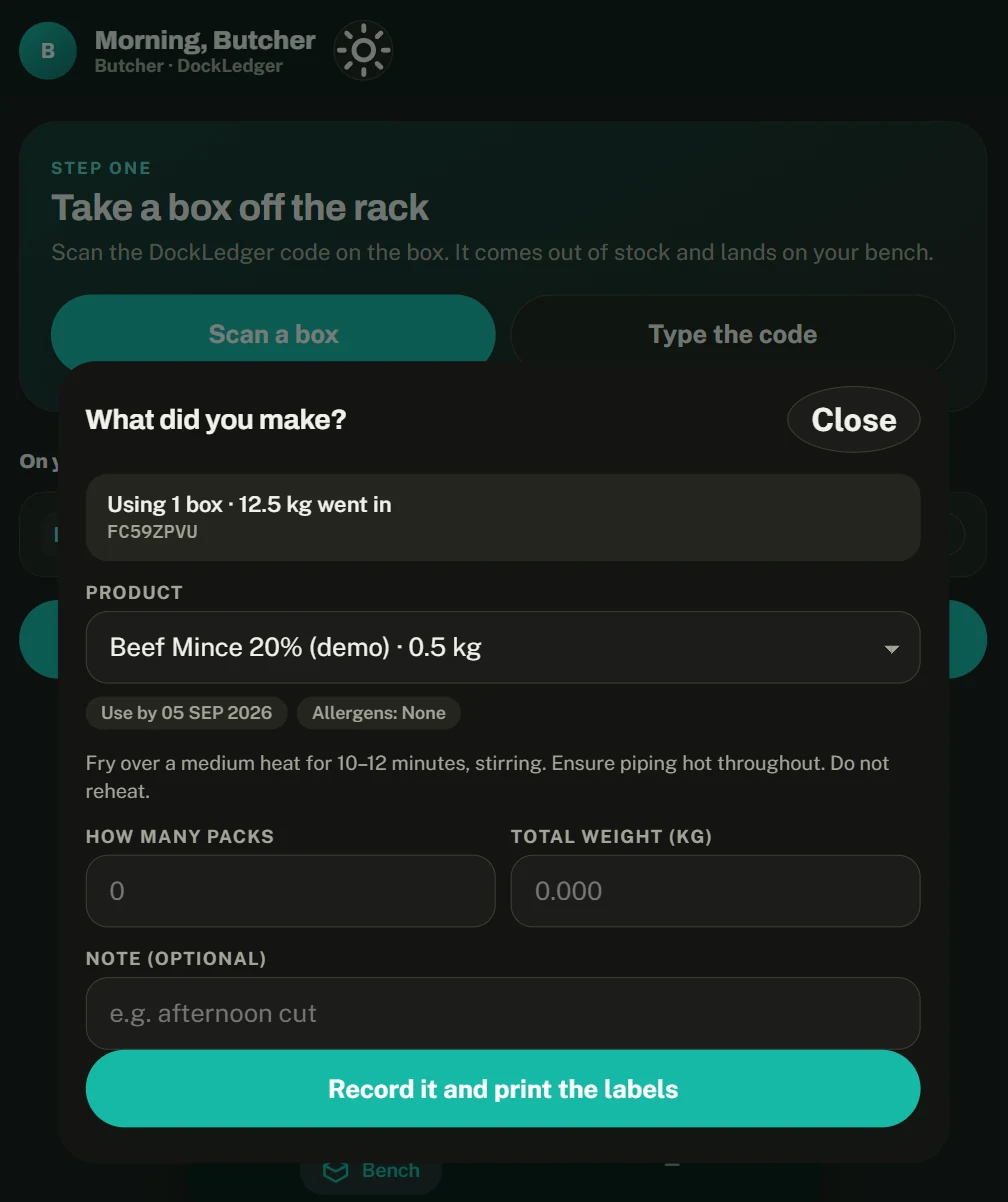
The butcher opens the app on a phone, scans the box coming off the rack (it leaves stock and lands on their bench), taps what they made, and says how many packs and the total weight. The labels print with use-by, cooking and allergens filled in from the spec, the weight split across the packs, and the batch carried forward. Nothing is typed unless the scanner fails.
Designing your labels
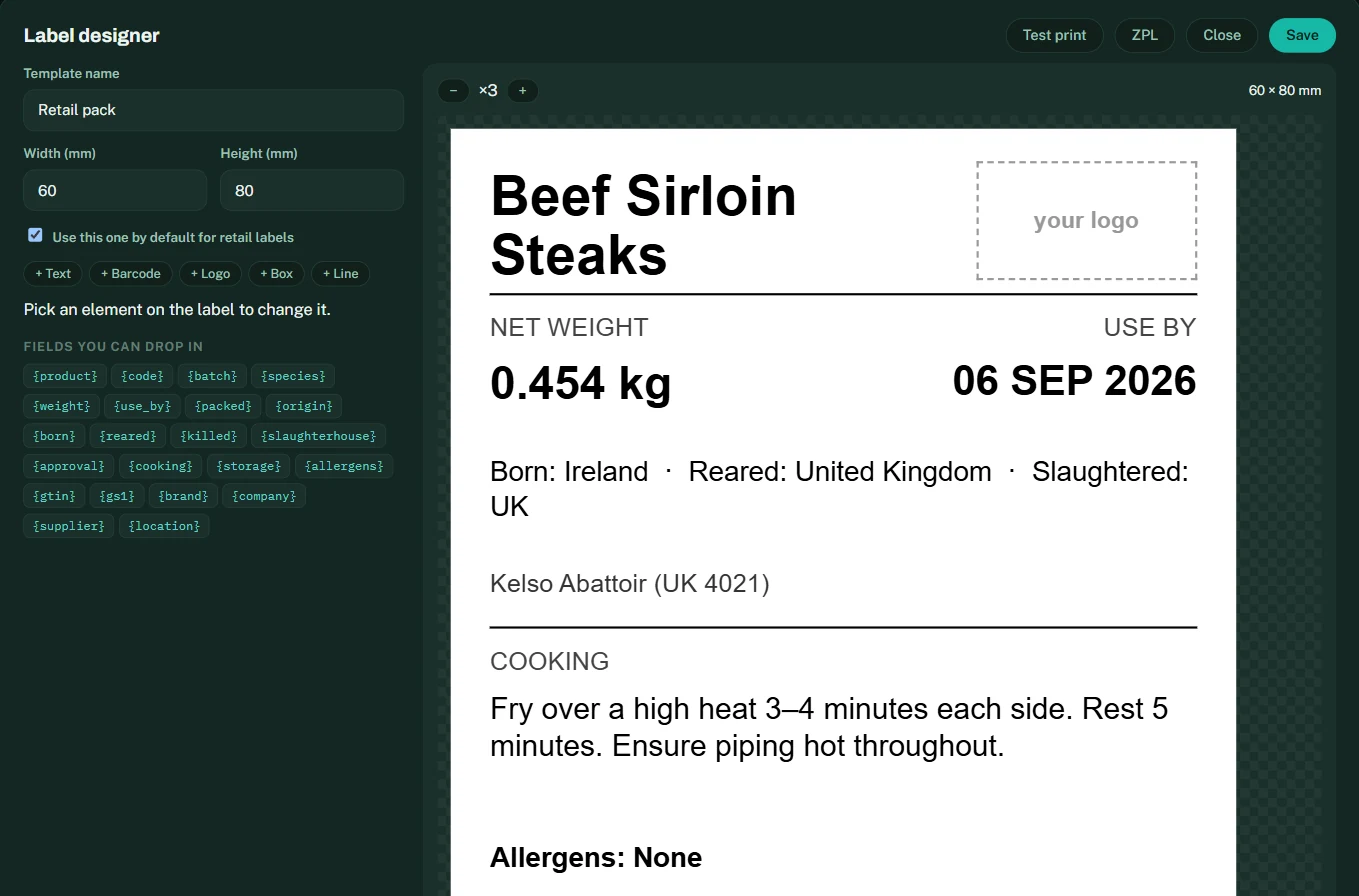
Labels are designed at real millimetre size inside the app. Drop in the fields you need — product, weight, use-by, origin, cooking, allergens, the GS1-128 barcode — move them where you want them, and upload your logo under Branding so it lands on every label. Test print goes to any thermal printer through the browser; ZPL exports for Zebra printers. One template is the default for case labels and one for retail packs.